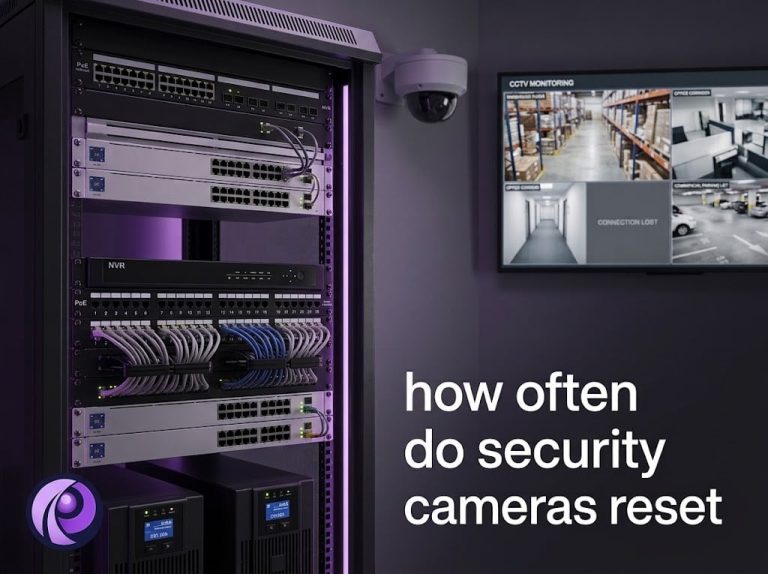
If you manage security for an office building, warehouse, healthcare center, or multi-tenant commercial property, surveillance cameras are the backbone of your physical security posture. What is less obvious is how frequently those cameras restart, and what that means for your coverage. A brief, controlled reboot is usually nothing to worry about, but when cameras go offline repeatedly or at the wrong moment, the result is blind spots, missing footage, and a security audit that raises uncomfortable questions. Our technicians field this question constantly while supporting commercial security camera installation across the GTA, so this guide breaks down exactly what is normal, what is not, and how to tell the difference.
What Causes Security Cameras to Reset?
Resets fall into two broad categories: planned events that keep a system healthy, and unplanned failures that point to a deeper issue. The eight causes below cover almost every reset we encounter in commercial deployments.
Power Outages
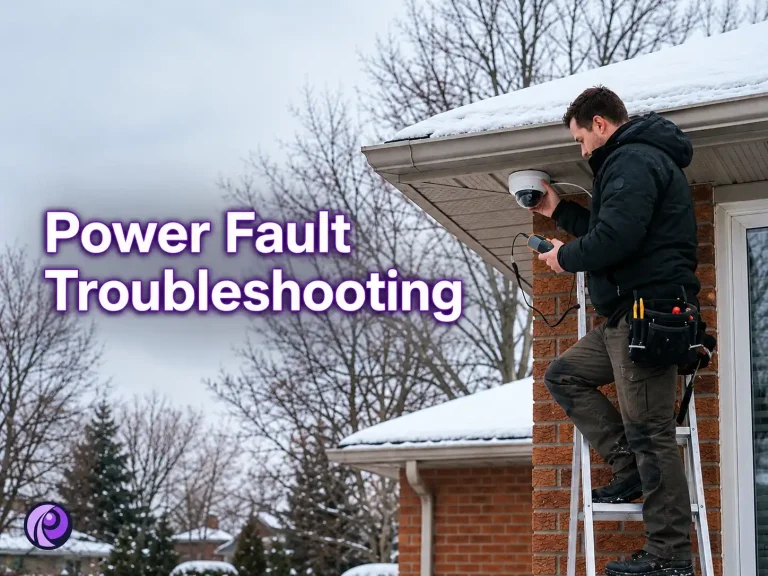
A complete loss of power is the most common cause of unplanned restarts. In a large facility, even a brief interruption of a few milliseconds is enough to bring every PoE-connected camera offline simultaneously. Without a UPS or backup generator in the loop, cameras go dark the moment the lights do. Toronto’s winter ice storms make this a recurring risk for GTA properties specifically, since a single grid interruption can take an entire building’s camera system down at once.
Firmware Updates
Modern IP cameras receive periodic firmware updates that patch security vulnerabilities, add features, or fix bugs. Most updates require a reboot to apply. This is expected and healthy. The real risk comes from skipping updates for too long, which leaves cameras vulnerable to exploits.
Network Disruptions
IP cameras depend entirely on a stable network connection. When a switch goes down, a VLAN is misconfigured, or DHCP assigns a conflicting IP address, cameras may lose connectivity and attempt to restart in order to re-establish contact with the NVR or VMS.
Overheating
Cameras installed in server rooms, warehouse rooftops, or sun-exposed exterior walls are especially vulnerable to heat stress. Most cameras have built-in thermal protection that triggers a reboot, or a full shutdown, when internal temperatures exceed safe thresholds. A south-facing rooftop camera during a Toronto summer heat wave can hit those thresholds faster than most facility managers expect.
Hardware Faults
Aging capacitors, failing image sensors, or corrupted onboard storage can all cause erratic resets. In a commercial deployment with dozens of cameras, hardware-related restarts on individual units are a normal part of a lifecycle that typically spans five to seven years.
Configuration Changes
Any time an administrator changes a camera’s resolution, frame rate, encoding settings, or network parameters, the device usually needs to restart to apply those changes. In a property undergoing a security upgrade or a system migration, this type of reboot is routine.
PoE Switch Issues
Power over Ethernet switches deliver both data and power through a single cable. If a port on the switch degrades, drops its power budget, or resets itself, every camera connected to that port goes down with it. This is a surprisingly common source of unexplained camera outages in commercial environments.
NVR/DVR Interactions
When a network video recorder reboots, whether due to a software update, storage rebalancing, or a crash, cameras may briefly lose their recording destination and attempt to reconnect. Some cameras are configured to restart their own streaming process when the NVR becomes unavailable.
Should You Schedule Regular Camera Reboots?
For most commercial surveillance systems, a scheduled weekly or monthly reboot is a reasonable practice, particularly for cameras that have been running continuously for months without interruption. Over time, memory leaks and accumulated processes can degrade camera performance, and a clean restart clears those issues.
That said, scheduled reboots are not a substitute for proper maintenance. If your cameras require weekly restarts just to stay functional, that is a sign of an underlying problem, not an acceptable workaround.
Best practices for scheduling reboots:
- Set auto-reboots to occur during the lowest-traffic periods, typically between 2:00 AM and 4:00 AM on weekdays
- Stagger reboots across camera groups so your entire facility is not simultaneously offline
- Confirm your NVR is configured to resume recording automatically after each camera comes back online
- Document scheduled reboots in your maintenance log so they do not get flagged as anomalies during security audits
For modern enterprise-grade systems with solid firmware management, monthly reboots aligned with firmware update cycles are usually sufficient.
Signs That Frequent Resets Indicate a Problem
Not all reboots are benign. If you are seeing any of the following patterns, investigate promptly.
- Reboot loops: a camera that repeatedly powers on, fails to initialize properly, and restarts again usually points to a corrupted firmware image, failed storage, or a hardware fault. These cameras need to be pulled and serviced.
- Lost recordings: a serious operational concern. If cameras are resetting during active monitoring hours and gaps are appearing in your footage archive, you are exposed to liability and your security posture is compromised.
- Offline cameras: units that do not recover automatically after a restart may have lost their network configuration, failed to re-authenticate with the NVR, or have a PoE port that is no longer delivering adequate power.
- Time synchronization issues: camera timestamps that drift or reset to a factory default after a reboot often indicate that NTP (Network Time Protocol) is not configured properly. In commercial surveillance, timestamp accuracy is critical for evidentiary purposes.
- Repeated connection failures: from the same camera or group of cameras on the same switch port usually point to a failing switch, a degraded cable, or an overloaded PoE power budget.
Best Practices for Maintaining Complex Commercial Camera Systems
The causes above are diagnostic. The practices below are preventive, and they are what separates a system that runs quietly for years from one that generates a support ticket every other week.
Preventive Maintenance
Physical inspection matters. Clean camera housings, check mounting hardware, and look for signs of moisture ingress or pest interference, especially on outdoor units. An annual walkthrough by your security team or a qualified technician should cover every camera on your property.
Firmware Management
Keep camera firmware current, but test updates in a non-critical zone before rolling them out facility-wide. Sign up for security advisories from your camera manufacturer so you are not caught off guard by vulnerabilities.
UPS Backup Systems
Invest in UPS units for your NVR racks and PoE switches. A quality UPS provides enough runtime to carry your system through short outages and gives your infrastructure a graceful shutdown window during extended power failures. This is non-negotiable for healthcare facilities and high-security environments, and it is one of the first things our technicians check during a commercial security camera installation in the GTA.
Network Monitoring
Use your network management tools to track camera uptime and receive alerts when a device goes offline unexpectedly. Most enterprise NVR platforms, including the Hikvision and Dahua systems we deploy most often, include built-in health dashboards. If yours does not, consider integrating a lightweight monitoring tool such as PRTG or Zabbix to watch your surveillance subnet.
Health Checks
Schedule quarterly health checks that review camera uptime logs, reboot frequency per device, storage utilization, firmware versions, and PoE port status. Catching a camera that is rebooting weekly before it fails entirely is much cheaper than discovering missing footage after an incident.
Professional Inspections
For large-scale deployments, think a 200-camera healthcare campus or a multi-building logistics facility, annual inspections by a certified security integrator are worth the investment. They can identify systemic issues that an in-house team might overlook.
Documentation and Maintenance Logs
Maintain a simple log that records every reboot event, firmware update, hardware replacement, and configuration change across your system. This documentation serves three purposes: it helps you spot patterns, it supports compliance requirements, and it protects you in the event of a legal dispute involving camera footage.
Conclusion
Security camera resets are a normal part of running a commercial surveillance system, but frequency and timing matter. A well-maintained camera on a stable network should restart no more than a few times per month, and only during planned windows or routine firmware updates.
For facility managers and business owners, the key takeaways are straightforward: invest in UPS protection for your core infrastructure, keep firmware current, monitor device health proactively, and document everything. Treat unexpected or frequent resets as diagnostic signals, not background noise.
The goal is not to eliminate every reboot. It is to ensure that when cameras restart, they recover cleanly, resume recording immediately, and never leave a gap in coverage when it matters most.
Keep Your Commercial Camera System Online
If your cameras are resetting more often than they should, or you are not sure whether your current UPS and PoE setup can handle a real outage, our technicians can run a full health check on your system. Request a free quote and we will respond within 24 hours with a written, fixed-price recommendation.