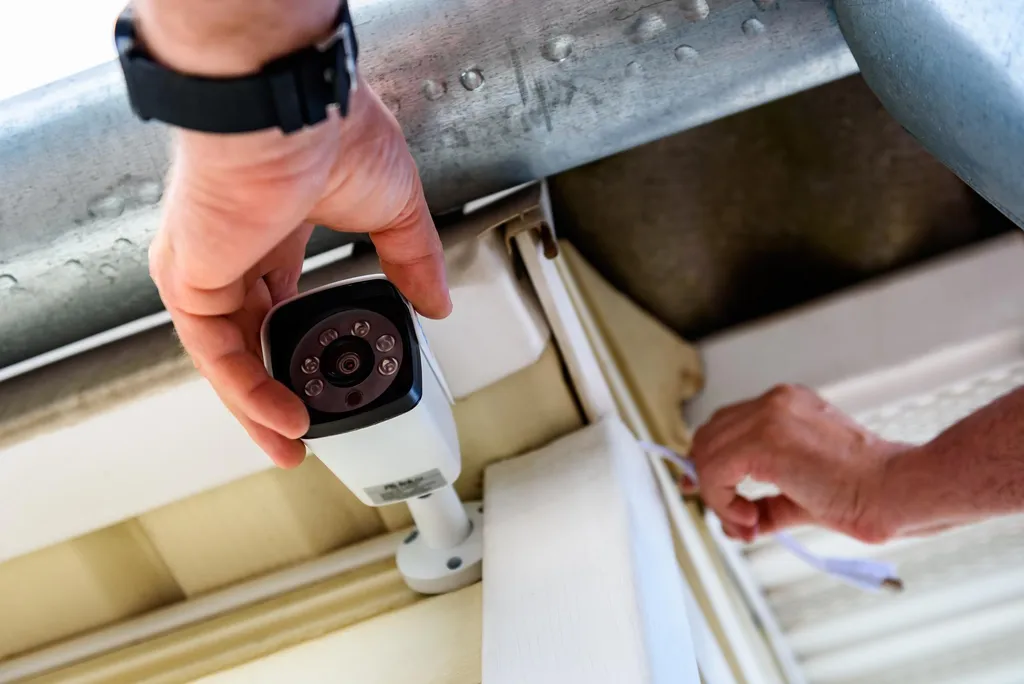
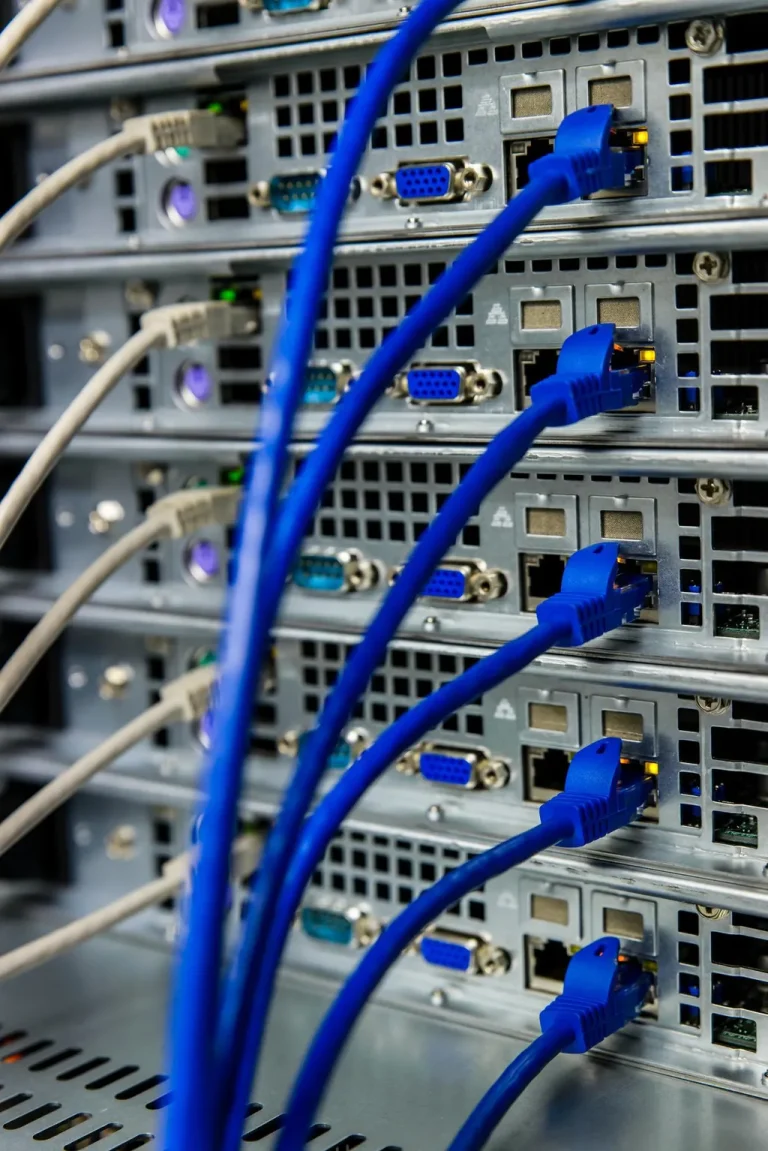
Cat6 network cabling installation Toronto PoE switch security camera system

RATA SecurityServicesNetwork Infrastructure

Network Infrastructure

Paying for high-speed internet and investing in advanced security systems are completely useless without a robust physical network to carry the data. Your network infrastructure is the unseen foundation of your entire organization. At RATA SECURITY, we design, build, and optimize high-speed, zero-downtime corporate networks for Toronto businesses. We ensure that your digital traffic, from critical cloud applications to high-definition IP camera feeds, flows seamlessly, securely, and without bottlenecking your daily operations.

What’s Included:

  • Cat6 cabling installation
  • PoE switch setup & configuration
  • Network security optimization
  • Future expansion planning
  • Professional cable management
  • Complete system testing

Structured Cabling & Passive Infrastructure

A reliable network begins inside your walls. We design physical pathways and deploy premium transmission media tailored to your facility’s bandwidth requirements:

  • Data Cabling (Cat6, Cat6a, & Fiber Optic): We deploy high-bandwidth copper cabling for standard workstation drops and high-speed fiber optic lines for heavy-lifting backbone connections between server closets and floors.
  • Cable Management & Terminations: We strictly avoid the “spaghetti” wire mess. Our technicians ensure clean cable runs, meticulous port labeling, and proper physical separation from high-voltage electrical lines to prevent electromagnetic interference (cross-talk) and packet loss.
  • Conduit & Trunking: For Toronto’s modern open-concept offices or rugged industrial warehouses, we utilize protective conduit and aesthetic trunking to conceal and shield your critical wire pathways.

Active Network Equipment & Wireless Solutions

Beyond the physical cables, we deploy the powered hardware necessary to intelligently route your data and keep your workforce connected:

  • Enterprise Switches & Routers: We install heavy-duty routing hardware to direct your traffic efficiently. We heavily utilize PoE (Power over Ethernet) switches, allowing you to power your VoIP phone systems, access control readers, and IP cameras directly through the network cable.
  • Wireless Access Points (WAPs): We design and deploy enterprise-grade Wi-Fi networks that eliminate frustrating dead zones. Our strategically placed WAPs handle high user density seamlessly, ensuring employees can move throughout the building without dropping their connections.
  • Network Segregation (VLANs): Security is built into our architecture. We configure Virtual LANs (VLANs) to digitally separate your corporate data traffic from guest Wi-Fi networks and your physical security devices, minimizing your vulnerability to cyber threats.

Server Room & IT Rack Design

Your server room is the centralized hub of your digital infrastructure. We ensure it is organized, protected, and built for the future:

  • Rack & Cabinet Installation: We securely mount your servers, switches, and NVRs in standardized 19-inch IT racks and lockable cabinets.
  • Environmental & Spatial Design: We address the physical factors that cause hardware failure. This includes designing for optimal airflow and cooling, organizing patch panels for rapid troubleshooting, and integrating heavy-duty Uninterruptible Power Supplies (UPS) to protect against Toronto power grid fluctuations.
  • Scalability: We build with the future in mind. Your server room will be designed with the physical capacity and switch availability to scale effortlessly alongside your business’s growth.

Build Your Network Backbone

Stop suffering through hidden productivity costs caused by slow networks, employee downtime, and unmanageable server racks. Rebuild your digital foundation today.

Frequently Asked Questions

Cat5e: Good for basic needs, up to 1 Gbps, $ Cat6: Better for modern homes, up to 10 Gbps (short runs), $$ Cat6a: Best for future-proofing, up to 10 Gbps (100m), $$$

We recommend:

  • Residential: Cat6 for new installations
  • Commercial: Cat6a for long-term investment

Cameras: Cat5e minimum, Cat6 preferred

Consider hardwired connections for:

  • Smart TVs and streaming devices
  • Gaming consoles
  • Desktop computers
  • Network printers
  • Smart home hubs
  • WiFi access points
  • Security cameras (via PoE switch)

Typical recommendations:

  • Home: 5-10 drops
  • Small office: 10-20 drops
  • We can always add more later!

Router:

  • Connects your network to the internet
  • Provides WiFi (if wireless router)
  • One per location
  • Assigns IP addresses
  • Provides firewall protection

Switch:

  • Expands wired connections
  • No WiFi capabilities
  • Multiple switches can be used
  • Connects multiple devices together
  • Like a power strip for network cables

Simple analogy: Router = your connection to the outside world. Switch = internal wiring panel.

Unmanaged Switch ($):

  • Plug and play
  • No configuration needed
  • Good for simple home networks
  • Basic connectivity only

Managed Switch ($$-$$$):

  • Advanced features (VLANs, QoS)
  • Can prioritize camera traffic
  • Monitor network performance
  • Better for businesses
  • Separates security devices from main network

We recommend: Unmanaged for homes, managed for businesses or complex home networks.

Yes! Common WiFi problems we solve:

  • Dead zones or weak signal areas
  • Too many devices on one router
  • Interference from neighbors
  • Outdated equipment
  • Poor router placement

Solutions:

  • Add WiFi access points for better coverage
  • Upgrade to modern WiFi 6 equipment
  • Optimize channel selection
  • Hardwire high-bandwidth devices
  • Create separate networks (guest, IoT, main)

PoE (Power over Ethernet) sends both data and power through the same cable.

Benefits:

  • No separate power adapters needed
  • Cleaner installation
  • Easier camera placement
  • Centralized power backup

Best for:

  • IP cameras
  • WiFi access points
  • VoIP phones
  • Some smart devices

If you have 4+ IP cameras, a PoE switch simplifies installation significantly.

We use multiple techniques:

  • Run cables through attics, basements, crawl spaces
  • Use existing conduit or wire paths
  • Install in walls (cut drywall patches)
  • Use baseboards and crown molding
  • Surface-mount raceways for difficult areas
  • Cable fishing through insulated walls

Goal: Cables are either hidden or neatly organized and barely noticeable.

Yes! This is called network segmentation using VLANs:

Benefits:

  • Security cameras can’t access your personal files
  • Better network performance
  • Enhanced security
  • Prevents camera hacking from reaching other devices

Requires:

  • Managed network switch
  • Proper router configuration
  • We handle all the technical setup

Highly recommended for businesses and security-conscious homeowners.

If your employees constantly experience slow file transfers, dropped VoIP calls, or if you are planning to install multi-megapixel IP security cameras, your legacy Cat5e cables are likely bottlenecking your network. Cat6 and Cat6a provide up to 10-Gigabit speeds, while Fiber Optic is essential for long-distance runs and massive data loads between floors.

While enterprise Wi-Fi is incredibly powerful, we highly recommend physical Ethernet drops for stationary, high-bandwidth equipment. Desktop computers, VoIP phones, printers, and smart TVs should always be hardwired to ensure maximum speed and free up your Wi-Fi bandwidth for laptops and mobile devices.

Plenum-rated cables are coated with a special fire-retardant plastic. Under the Ontario Building Code, if your cables run through the “plenum space” (the area above a drop ceiling or below a raised floor used for HVAC air circulation), they are legally required to be plenum-rated to prevent the spread of toxic smoke in the event of a fire.

Absolutely. Your Internet Service Provider (ISP) only guarantees speed to the modem at the edge of your building. If the internal cables connecting your modem to your switches, or your switches to your computers, are damaged, improperly terminated, or suffering from electrical interference, you will experience severe network lag regardless of how fast your internet plan is.

Get A Free Quote

Our Simple Process

Our straightforward process ensures you get the right security solution—from initial consultation to ongoing support.

01

Site Review

We assess your property, identify security concerns, and discuss your specific requirements and goals.

02

System Design

We design a customized security solution based on your needs, property layout, and budget.

03

Clean Install

We install equipment professionally with clean cable management, proper configuration, and thorough testing.

04

Training Support

We train you on system operation and features, then remain available for ongoing technical support.

Call us to learn more about your options.

Request Your Free Quote

Fill out the form below or call us directly. We'll respond within 24 hours to schedule your free consultation and provide a detailed quote.

security camera installation