Network Infrastructure

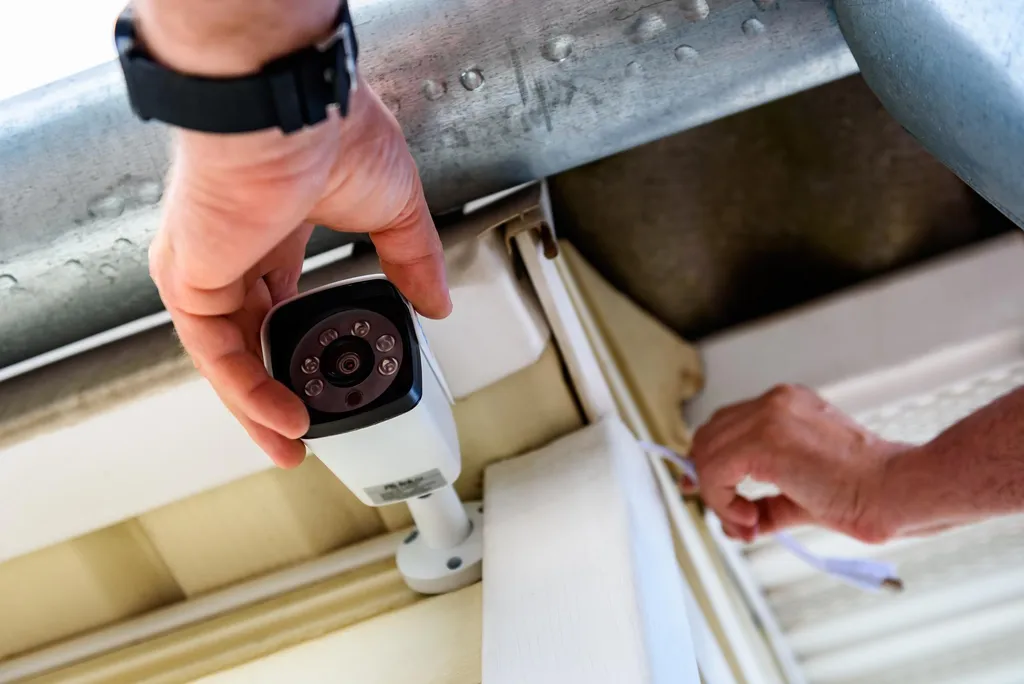
Secure storefronts, offices, and job sites with multi camera coverage, license plate capture options, and clear footage for incidents proof.

Network Cabling (Cat5e, Cat6, Cat6a)

Professional-grade structured cabling installation for reliable, high-speed network connectivity. We follow industry standards for clean, organized cable runs with proper termination.

Ethernet Cable Installation & Termination

Expert cable running through walls, attics, or conduits with professional RJ45 termination, testing, and labeling for easy troubleshooting and maintenance.

Router Configuration & Setup

Complete router setup including internet connection, wireless networks, security settings, port forwarding for cameras/devices, and parental controls.

Switch Installation & Configuration

Network switch setup for expanding wired connections, including VLAN configuration for separating security cameras from main network for enhanced performance and security.

Modem Setup & Troubleshooting

Internet modem installation, activation with your ISP, troubleshooting connectivity issues, and optimization for best performance.

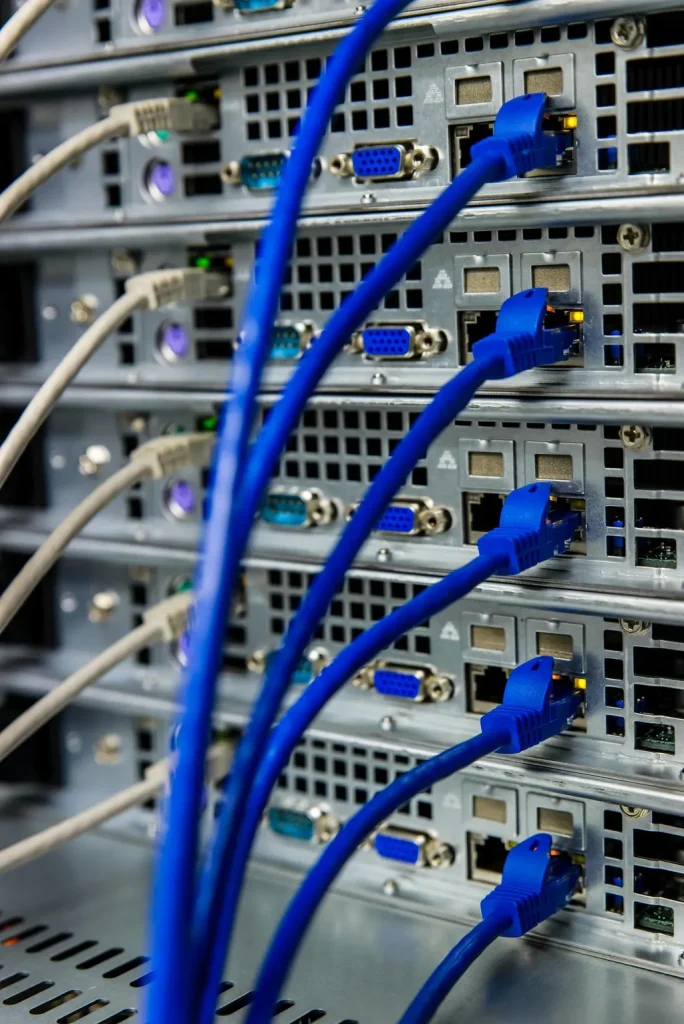
Network Rack Organization

Professional cable management and equipment organization in network racks or cabinets for clean, maintainable installations in both residential and commercial settings.

Wireless Access Point Installation

Strategic placement of business-grade WiFi access points for complete wireless coverage in larger homes or commercial spaces where standard routers fall short.

Network Performance Optimization

Diagnostic testing and optimization of existing networks to resolve slow speeds, connectivity drops, or poor WiFi coverage through equipment upgrades or reconfiguration.

Frequently Asked Questions

Cat5e: Good for basic needs, up to 1 Gbps, $ Cat6: Better for modern homes, up to 10 Gbps (short runs), $$ Cat6a: Best for future-proofing, up to 10 Gbps (100m), $$$

We recommend:

  • Residential: Cat6 for new installations
  • Commercial: Cat6a for long-term investment

Cameras: Cat5e minimum, Cat6 preferred

Consider hardwired connections for:

  • Smart TVs and streaming devices
  • Gaming consoles
  • Desktop computers
  • Network printers
  • Smart home hubs
  • WiFi access points
  • Security cameras (via PoE switch)

Typical recommendations:

  • Home: 5-10 drops
  • Small office: 10-20 drops
  • We can always add more later!

Router:

  • Connects your network to the internet
  • Provides WiFi (if wireless router)
  • One per location
  • Assigns IP addresses
  • Provides firewall protection

Switch:

  • Expands wired connections
  • No WiFi capabilities
  • Multiple switches can be used
  • Connects multiple devices together
  • Like a power strip for network cables

Simple analogy: Router = your connection to the outside world. Switch = internal wiring panel.

Unmanaged Switch ($):

  • Plug and play
  • No configuration needed
  • Good for simple home networks
  • Basic connectivity only

Managed Switch ($$-$$$):

  • Advanced features (VLANs, QoS)
  • Can prioritize camera traffic
  • Monitor network performance
  • Better for businesses
  • Separates security devices from main network

We recommend: Unmanaged for homes, managed for businesses or complex home networks.

Yes! Common WiFi problems we solve:

  • Dead zones or weak signal areas
  • Too many devices on one router
  • Interference from neighbors
  • Outdated equipment
  • Poor router placement

Solutions:

  • Add WiFi access points for better coverage
  • Upgrade to modern WiFi 6 equipment
  • Optimize channel selection
  • Hardwire high-bandwidth devices
  • Create separate networks (guest, IoT, main)

PoE (Power over Ethernet) sends both data and power through the same cable.

Benefits:

  • No separate power adapters needed
  • Cleaner installation
  • Easier camera placement
  • Centralized power backup

Best for:

  • IP cameras
  • WiFi access points
  • VoIP phones
  • Some smart devices

If you have 4+ IP cameras, a PoE switch simplifies installation significantly.

We use multiple techniques:

  • Run cables through attics, basements, crawl spaces
  • Use existing conduit or wire paths
  • Install in walls (cut drywall patches)
  • Use baseboards and crown molding
  • Surface-mount raceways for difficult areas
  • Cable fishing through insulated walls

Goal: Cables are either hidden or neatly organized and barely noticeable.

Yes! This is called network segmentation using VLANs:

Benefits:

  • Security cameras can’t access your personal files
  • Better network performance
  • Enhanced security
  • Prevents camera hacking from reaching other devices

Requires:

  • Managed network switch
  • Proper router configuration
  • We handle all the technical setup

Highly recommended for businesses and security-conscious homeowners.

Get A Free Quote

Our Simple Process

We keep it clear and efficient, so you get the right coverage without delays, confusion, or surprise costs.

01

Site Review

We assess entrances, blind spots, lighting, and pathways to recommend the right camera placement.

02

System Design

We select cameras, storage, and network setup based on your goals, property layout, and budget.

03

Clean Install

We install cameras, run wiring neatly, configure recording, and set up secure mobile access.

03

Training Support

We train you on playback, alerts, and exporting clips, then remain available for ongoing help.

Call us to learn more about your options.

Book Your CCTV Service Today

Schedule a site visit with Rata Security for fast, professional service in Toronto and the GTA. We will confirm details and follow up promptly.