Why CCTV Planning Matters in Toronto and the GTA
A security camera system is only as good as its placement and setup. Toronto properties often have shared entrances, tight driveways, mixed lighting, and plenty of foot traffic. That means random camera placement usually creates blind spots, glare, or footage that looks great until you actually need a face or a license plate.
Homeowners usually worry about break ins, package theft, and side access points. Business owners often care about staff safety, customer incidents, inventory loss, and clear footage that supports an insurance claim. The right plan handles both the security risk and the daily reality of your property.
The goal is usable footage
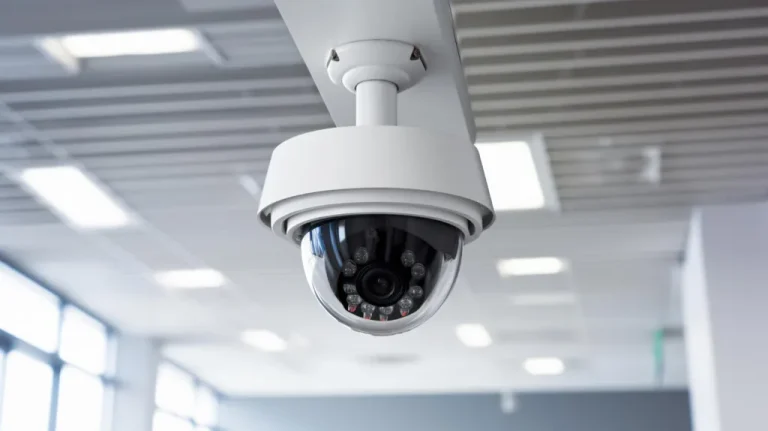
Cameras should capture key details, not just movement. You want angles that show faces, clean lighting at night, and a recording setup that makes playback simple when something happens.
What to Decide Before You Choose Cameras
Most people start by asking, “What cameras should I buy?” A better first question is, “What do I need the cameras to prove?” That single shift changes everything.
Here are the decisions that shape a solid CCTV setup:
- Your priority areas: front door, garage, back lane, cash register, loading area, hallway
- Lighting conditions: bright sun, porch lights, streetlights, full darkness
- Your retention needs: how many days of recordings you want to keep
- Who needs access: one person, family members, managers, or multiple staff
Common Toronto property challenges
Many homes have narrow side yards and front steps close to the sidewalk. Many businesses have reflective windows, glass doors, or bright signage that can cause glare. Good placement and the right settings solve most of these problems.
Choosing the Right System Type
There are two common setups, and both can be excellent when done properly.
IP camera systems with NVR recording
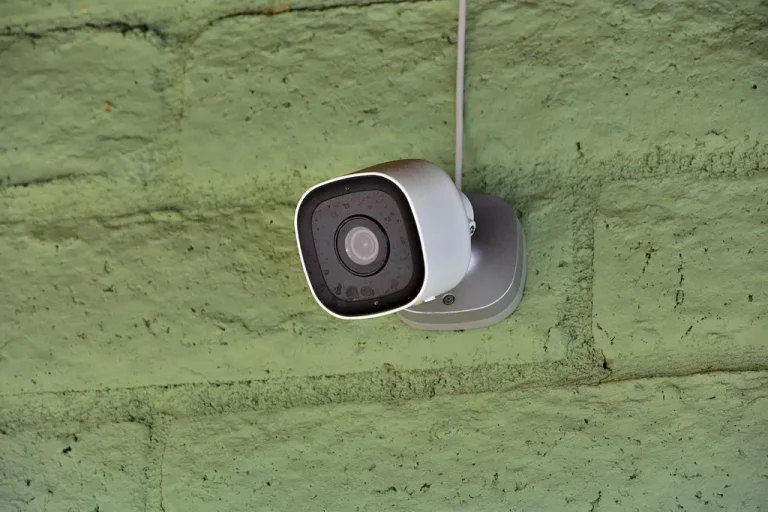
These are popular for both homes and commercial spaces because they offer high resolution, better control, and cleaner expansion later. They are also great for remote viewing when configured securely.
DVR systems for existing cabling
If you already have older wiring and want a budget friendly upgrade, keeping parts of an existing system can sometimes make sense. The key is confirming what the current equipment can realistically deliver in image quality.
A Simple Coverage Checklist
If you want a quick way to plan camera locations, use this checklist as your starting point.
For homes
- Front door and porch area
- Driveway and garage
- Side access path
- Backyard gate or lane access
For businesses
- Main entrance and exits
- Point of sale area
- High value inventory zones
- Back door and delivery area
- Parking lot or exterior perimeter
Ordered setup steps that reduce mistakes
- Walk the property and mark risks and entry points
- Decide what details you need to capture at each point
- Choose camera types based on distance and lighting
- Plan recording storage for your retention goal
- Set user permissions for viewing and exporting clips
“The best camera is the one that captures the moment clearly. If the footage cannot identify a person or confirm what happened, it is just decoration.”
Installation Tips That Make a Big Difference
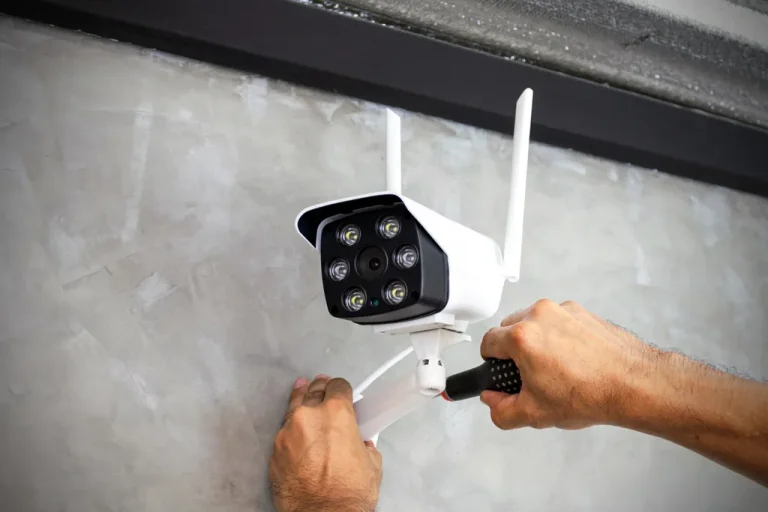
A clean install is not only about looks. It also improves reliability. Poor cable routing and rushed setup are common reasons cameras go offline, recordings fail, or apps become frustrating to use.
Here are a few practical tips that matter more than people expect:
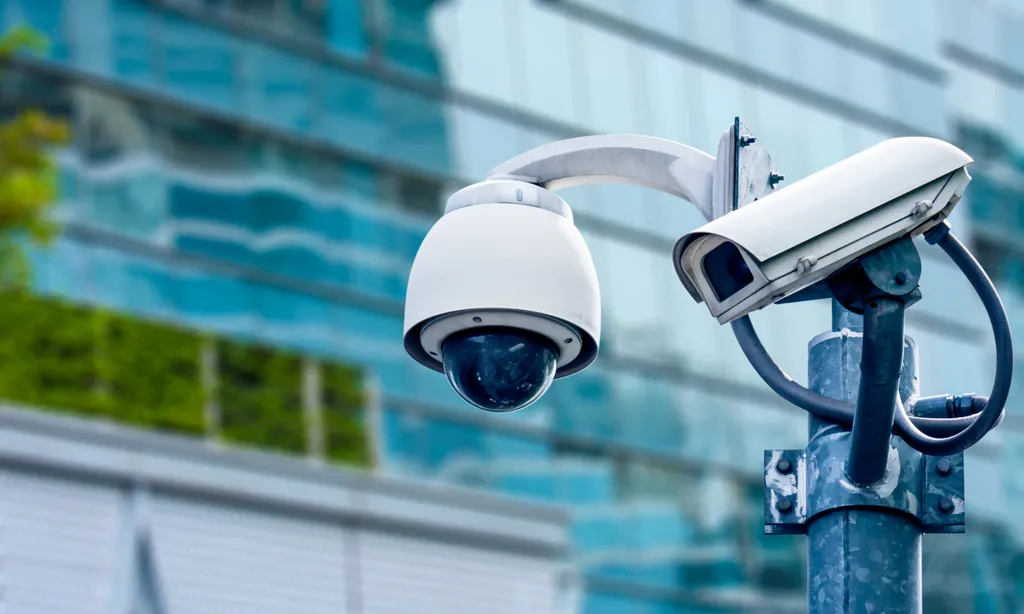
- Place cameras high enough to avoid tampering but not so high that faces become tiny
- Avoid pointing directly at bright lights to reduce glare and washed out footage
- Use motion zones and sensitivity settings to reduce false alerts
- Test playback and exporting clips before considering the job finished
Remote viewing should be secure
Remote access is convenient, but it must be done properly. Secure passwords, updated firmware, and controlled permissions help protect your system from unwanted access.